No Wi-Fi at the range is not a problem for a Longshot target camera. The camera system creates its own wireless connection, so you can see the target on your phone or tablet without cell service, public Wi-Fi or a monthly data plan.
- Longshot target cameras work without existing range Wi-Fi.
- No cell service is required to view the live target.
- Your phone or tablet joins the Longshot camera network directly.
- Ranger+ covers target viewing up to 1,000 yards.
- LR-3 carries a 2-mile guarantee for long-range shooting.
Why This Matters in 2026
Many outdoor ranges have weak cell coverage and no public internet. That should not decide whether you can see your target.
A Longshot Ranger+ target camera sends the live target view through its own connection. In 2026, your phone or tablet joins that network just as it would join another wireless network, but the connection is used for the camera feed rather than internet access.
The Simple Answer
Longshot target cameras do not need:
- Cell service.
- Range Wi-Fi.
- A mobile hotspot.
- A data subscription.
- An internet-connected tablet.
They do need:
- A charged camera.
- A charged receiver when the model uses one.
- A charged phone or tablet.
- The Longshot app.
- A successful connection to the correct Longshot network.
That is the complete 2026 connection model. The camera does not send the video through a cell tower or the range router.
Why Your Phone Says “No Internet”
A phone may warn that the Longshot network has no internet access. That warning does not mean the camera failed.
The network’s job is to carry the target image between the Longshot system and your device. It is not designed to load websites, email or social apps.
Stay connected to the Longshot network. Some phones try to leave a network when no internet is detected, so choose the option that keeps the connection active during the range session.
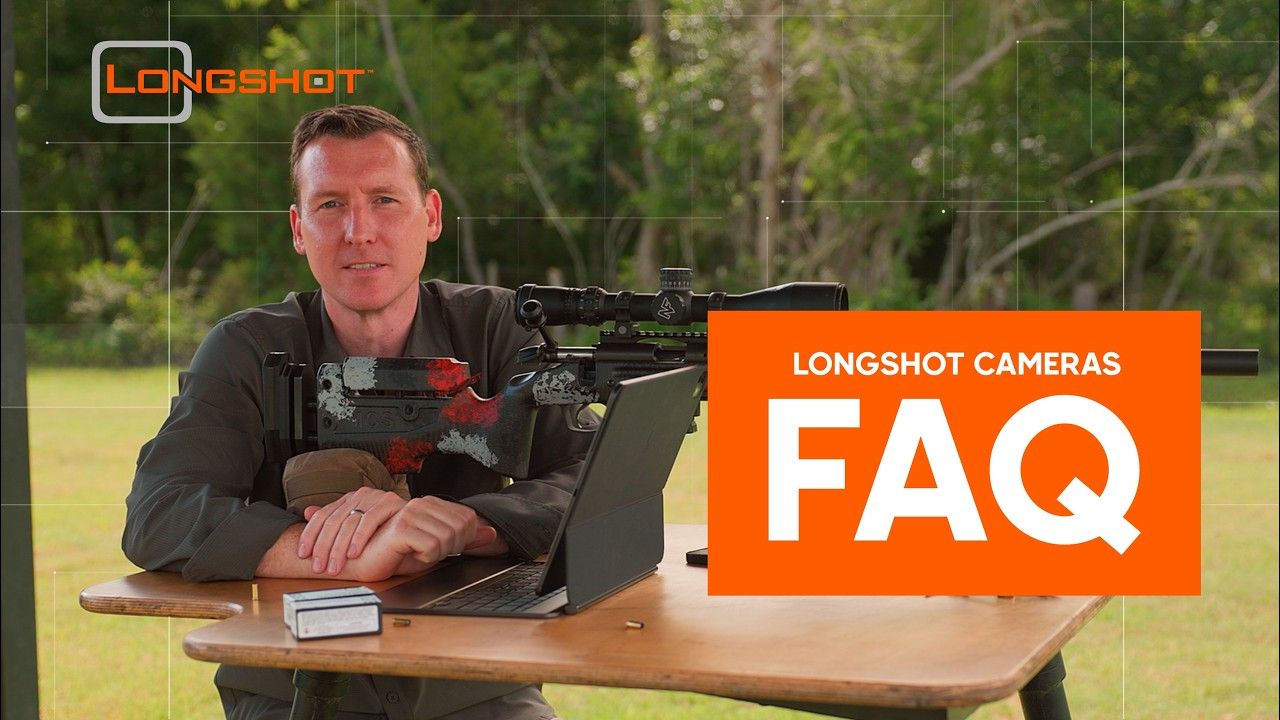
Watch the official Longshot Target Cameras FAQ for answers about Wi-Fi, devices, passwords, reconnection and weak signals.
What Happens From Setup to Live View
1. Turn on the Longshot system
Power the camera and receiver, if included with the model. Check every component rather than assuming a visible network means the complete system is ready.
2. Open the phone’s network settings
Find the network name for your Longshot camera. If several shooters use Longshot systems nearby, match the name to your camera or case label.
3. Join the camera network
Select the Longshot network and enter the password when required. The device may display a no-internet warning.
4. Stay connected
Tell the phone or tablet to remain on the Longshot network. Disable automatic switching only when it interrupts the camera feed, then restore your usual settings after the session.
5. Open the Longshot app
Confirm that the target image is live. Move a visible object during cold-range setup or compare the target number to make sure you are not looking at an old frame.
The official Longshot app walkthrough covers connection, shot markers, Blinker, photos, video, measurements and zero adjustments.
Ranger+ for a Simple 1,000-Yard System
Ranger+ is the compact 2026 choice for target viewing up to 1,000 yards. The current product information lists 1920 x 1080 resolution, a 6-hour battery and an included receiver.
Ranger+ costs $449. It fits shooters who want a straightforward camera-to-screen setup for ordinary rifle distances without depending on range internet.
LR-3 for Long Range and Multiple Cameras
The Longshot LR-3 is the long-range 2026 choice. It carries a 2-mile guarantee, uses 2688 x 1512 imagery, lists 9 hours of battery life and can support additional cameras.
LR-3 starts at $999 and includes a hard case, camera, receiver, two chargers and two tripods. Choose it when long-range or ELR distance is the main requirement.


Common Connection Problems
The phone connects, then leaves the network
The phone is probably choosing another network with internet access. Return to network settings, join the Longshot network and select the option to stay connected.
The app opens but shows no live target
Confirm the camera and receiver have power. Then close the app fully, reopen it and check that the phone is still on the correct network.
Several Longshot networks appear
Label the camera, receiver and case with the network name. At a busy range in 2026, connect one system at a time during setup if the rules allow it.
The feed works nearby but not at the bench
Check distance, receiver position, alignment and obstructions. Keep vehicles, heavy walls and large metal barriers out of the path when possible.
The image freezes late in the day
Check power on the camera, receiver and display. Setup time counts against the operating time, and a bright tablet screen also needs its own battery plan.
The phone has no internet while connected
That is normal. The Longshot network carries the target feed, not internet traffic.
What You Can Do Offline
Once connected, the Longshot app can show the target, mark shots, use Blinker, save photos and record video. The core range workflow does not require an internet connection.
Prepare before leaving coverage:
- Install or update the app at home.
- Charge every device.
- Test the complete system.
- Save official setup videos for reference where permitted.
- Label the network name and required password.
In 2026, those five minutes at home prevent most connection confusion at a remote range.
What the Connection Does Not Change
The live image does not authorize downrange access. The range must still be cold before you place, move or retrieve the camera.
A direct wireless connection also does not remove the need for correct camera and receiver placement. No cell service is required, but clear positioning still matters.
FAQ
Do Longshot target cameras need Wi-Fi?
No. Longshot target cameras create their own wireless connection and do not need existing range Wi-Fi.
Do Longshot target cameras need cell service?
No. Cell service is not required to view the target image in the Longshot app.
Why does my phone say the camera network has no internet?
The Longshot network carries the target feed, not internet traffic. Keep the phone connected to that network during shooting.
Can I use a tablet without a data plan?
Yes. A compatible phone or tablet can join the Longshot network without a cellular data plan.
What camera works without Wi-Fi at 1,000 yards?
Ranger+ supports target viewing up to 1,000 yards and currently costs $449.
What camera works without Wi-Fi beyond 1,000 yards?
LR-3 carries a 2-mile guarantee and starts at $999 for long-range and ELR use.
Why does the feed drop at the firing line?
Check receiver position, alignment, obstructions, distance and power after confirming the device stayed on the correct network.
One Last Thing
“No internet” and “no connection” are not the same message. In 2026, a Longshot target camera needs its own local link—not the outside internet—to put the target on your screen.
Share:
Zero Your Rifle Faster With a Target Camera | 2026
How to Set Up a Longshot Target Camera | 2026