
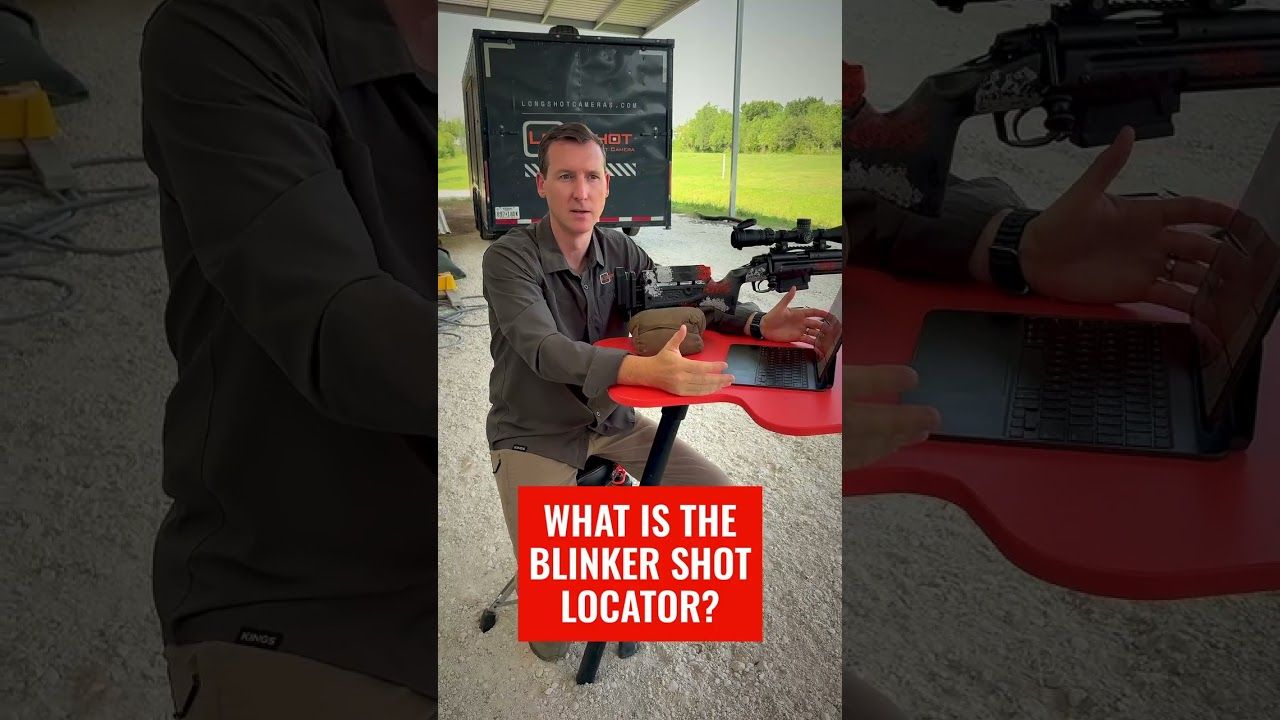
When several shots overlap, the hardest question is often the simplest one: which hole is new? The Longshot app’s Blinker tool helps identify the latest impact on a crowded target without walking downrange to mark every shot.
- Blinker helps locate the newest impact on a crowded target.
- Use it after a shot or short string from the firing line.
- Shot markers keep separate groups organized in the Longshot app.
- Ranger+ covers target viewing up to 1,000 yards.
- LR-3 carries a 2-mile guarantee for long-range use.
Why This Matters in 2026
A clean target is easy to read. A target with a tight group, several strings or dark aiming points is not.
You know another round hit the paper, but you cannot tell which hole belongs to the last shot. Firing again makes the target more crowded. Waiting for a cease-fire interrupts the drill.
A Longshot Ranger+ target camera keeps the target on your phone or tablet. The Blinker feature is built for this exact problem: help your eye find the newest impact while you remain at the shooting position.
Watch the official Lost Your Last Shot? Use the Blinker video to see the feature in a tight group.
What You’ll Need
- A Longshot target camera matched to the distance.
- A charged receiver when the system uses one.
- A phone or tablet with the Longshot app.
- A paper target with enough contrast for the ammunition and distance.
- A stable camera position showing the complete target.
- A clear plan for when to use shot markers or Blinker.
Blinker helps with impact identification. It does not replace a stable target image, safe firearm handling or range commands.
1. Start With the Full Target
Frame the complete paper before shooting. Leave enough room around the expected group to catch an impact that lands high, low, left or right.
A crowded target gets harder to understand when the camera is zoomed so tightly that only the center is visible.
Expected outcome: Every likely impact area stays on screen.
Common mistake: Zooming into the first group and losing a later shot outside the cropped view.
2. Confirm the Live Feed
Join the Longshot network and open the app before loading. Confirm the target number and check that the image is current.
Longshot target cameras create their own wireless connection. No cell service or existing range Wi-Fi is required in 2026.
Expected outcome: The correct live target is visible at the firing line.
Common mistake: Viewing another shooter’s camera network on a busy range.
3. Save a Clean Starting Image
Before the string begins, save a picture of the target or note the holes already present. This creates a clear baseline.
If you are reusing a target, mark the older group in the app before adding new shots.
Expected outcome: You know what was on the paper before the current string.
Common mistake: Starting a test on a used target with no record of the existing holes.
4. Fire the Planned Shot or String
Shoot one round or the planned short group, then make the rifle safe before focusing on the screen. Keep the drill structure consistent.
Do not keep firing simply because the latest hole is hard to find. That adds more uncertainty to the same paper.
Expected outcome: The app has one clear new event to help identify.
Common mistake: Turning a missing impact into five possible impacts.
5. Tap Blinker
Use the Blinker button in the Longshot app when the newest impact is not obvious. The visual change draws attention to the fresh hole so you can separate it from older shots.
The 2026 app also supports shot markers and a replayable shot string. Use the tool that fits the drill rather than covering the whole image with marks.
Expected outcome: The newest impact becomes easier to locate.
Common mistake: Using Blinker before the live image and target framing are stable.
6. Mark the Shot When Sequence Matters
Add a numbered marker when you need to preserve firing order. This is useful for scope adjustments, load comparison or any drill where shot sequence matters.
Use a simple naming rule for the session: date, rifle, load and distance.
Expected outcome: You can tell which impact came first, second and later.
Common mistake: Marking every hole without a naming or color rule.
7. Save the Final Group
Save one full-target image and one closer group image. The wide image preserves target scale and context; the close image makes the group easier to inspect.
The official Longshot app walkthrough covers shot markers, Blinker, photos, video, gallery tools and measurements.
Expected outcome: The 2026 session remains useful after the paper is removed.
Common mistake: Saving only a tight crop with no target reference.
Choose the Camera by Distance
Ranger+ is the compact $449 choice for target viewing up to 1,000 yards. It currently lists 1920 x 1080 resolution and a 6-hour battery.
The Longshot LR-3 starts at $999 and carries a 2-mile guarantee. It uses 2688 x 1512 imagery, lists 9 hours of battery life and supports additional cameras.


Troubleshooting
Blinker does not reveal a new hole
Widen the view and inspect the full target. The shot may be outside the zoom area, off the paper or hidden in damaged backing.
Several holes appear at once
Return to shorter strings. Blinker is easiest to use when the session creates one clear new impact or a controlled group.
The target image is blurry
Adjust camera distance within the model guidance. Longshot cameras use a fixed-focus lens, so placement affects clarity.
The phone left the camera network
Reconnect to the Longshot network and choose the option to stay connected despite the no-internet warning.
Shot markers cover the group
Use fewer markers, change the display where the app allows it or save a clean image before marking.
The latest impact overlaps an old hole
Use Blinker and compare the current image with the saved baseline. A fresh target is the better choice when exact separation is critical.
FAQ
How do I find my last shot on a crowded target?
Use the Blinker feature in the Longshot app to draw attention to the newest impact from the firing line.
What does the Longshot Blinker do?
Blinker helps your eye locate a fresh bullet impact when it is hard to separate from older holes or a tight group.
Can I number shots in the Longshot app?
Yes. The app supports shot markers so you can preserve the order of impacts during a session.
Can I save the marked target?
Yes. The Longshot app can save photos and videos and keep them available in the gallery.
Which camera works with Blinker at 1,000 yards?
Ranger+ supports target viewing up to 1,000 yards and works with the Longshot app.
Which camera works with Blinker at ELR distances?
LR-3 carries a 2-mile guarantee and uses the Longshot app for viewing and shot tools.
Does Blinker require internet access?
No. The Longshot system creates its own wireless connection and does not need existing Wi-Fi or cell service.
One Last Thing
Blinker solves a small problem that can waste an entire string. In 2026, the best time to identify the last shot is before another round makes the target harder to read.
Share:
Target Camera for 1,000 Yards or 2 Miles | 2026
Spend More Range Time Shooting, Not Walking | 2026